Position History
The Position History section is the part of the Terminal used to review recently closed futures deals.
Use it when you want to look back at finished trades, check their main metrics, and generate a visual card for a completed result without switching to a separate reporting workflow right away.

What the tab shows
This tab is focused on recently completed deals.
At a practical level, the list can show information such as:
- symbol and side;
- leverage;
- connected account;
- deal code;
- bot settings ID;
- strategy and cycles;
- webhook ID;
- start time, end time, and duration;
- quantity;
- entry and exit prices;
- close order type;
- realized take-profit result;
- closed PnL;
- exchange fee.
This makes the tab useful as a quick closed-deals view inside the Terminal.
Scope of this history view
The Terminal view is intended for recent history review.
It is useful when you want to return to a completed deal soon after it finishes and quickly understand the result.
For broader history analysis and longer-range reporting, users should continue working in the Dashboard.
Closed-deal cards
Closed deals can also be turned into shareable cards.
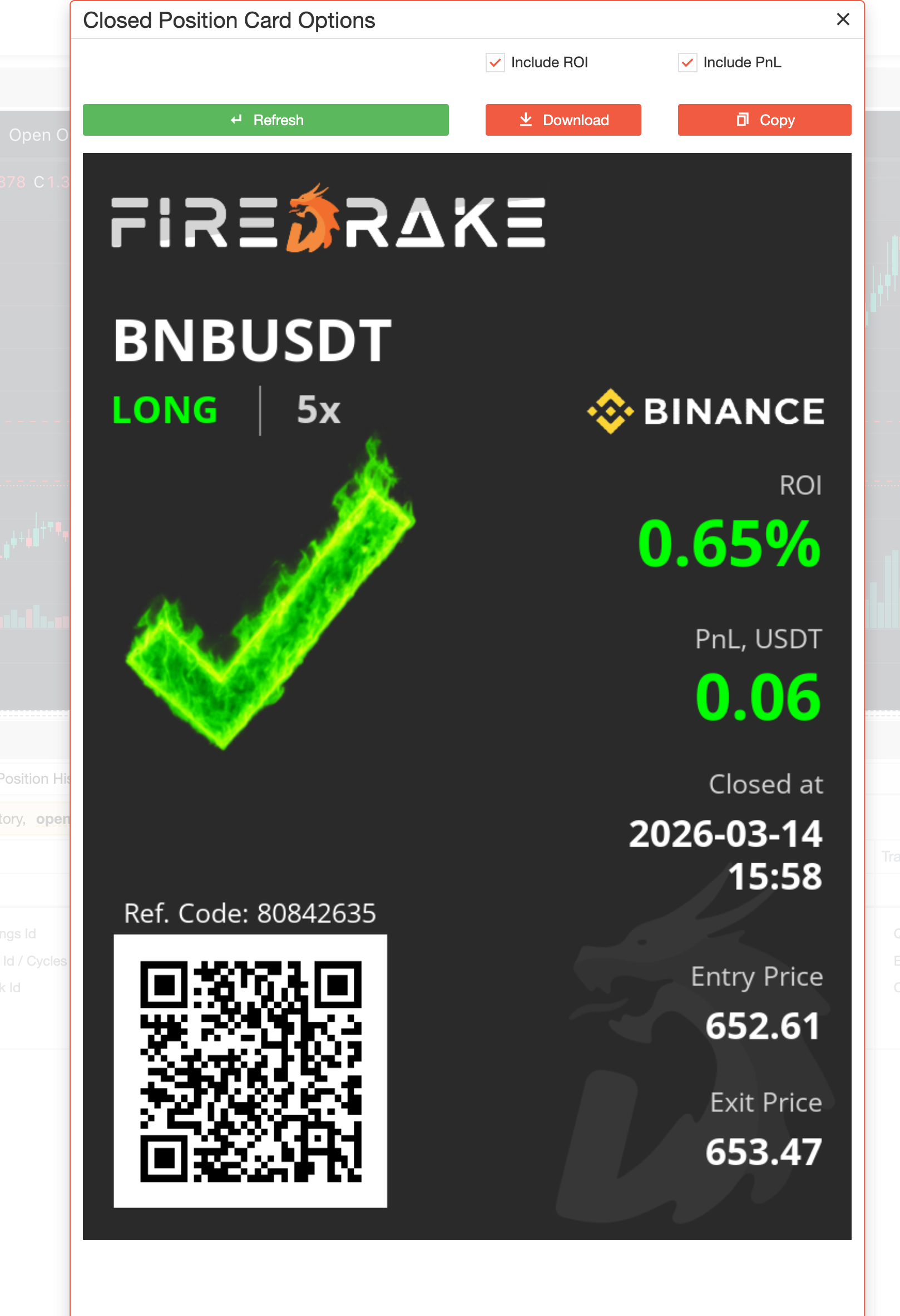
This is helpful when you want to present the result in a cleaner visual format, save it, or share it outside the platform.
After the card is prepared, it can be previewed, downloaded, or copied.
For more details about this feature, see Card Generation.
Typical workflow
A common workflow in Position History looks like this:
- Open the Position History tab inside the Terminal.
- Review the most recent closed deals.
- Check the main trade metrics such as timing, prices, result, and fee.
- Generate a deal card if you want to save or share the result.
- Move to the Dashboard if you need broader historical analysis.
Summary
Use Position History when you want to:
- review recently closed futures deals;
- check the main result metrics in one place;
- generate a visual card for a closed trade;
- quickly return to recent trading outcomes before moving to broader reporting.